Sunday, 5 May 2013

Debian 7.0 Wheezy Has Been Officially Released

The Debian project proudly announced today, May 5, that after months of hard work the final version of the highly anticipated Debian 7.0 Linux operating system is now available for download.

Dubbed Wheezy and powered by Linux kernel 3.2 and X.Org 7.7, Debian 7.0 includes an improved installer, multiarch support, a complete set of multimedia front-ends and codecs, and various specific utilities to deploy private clouds.

"Multiarch support, one of the main release goals for "Wheezy", will allow Debian users to install packages from multiple architectures on the same machine. This means that you can now, for the first time, install both 32- and 64-bit software on the same machine and have all the relevant dependencies correctly resolved, automatically."

"The installation process has been greatly improved: Debian can now be installed using software speech, above all by visually impaired people who do not use a Braille device." was stated in the official release announcement.

Highlights of Debian 7.0:

• Linux kernel 3.2;
• kFreeBSD kernel 8.3 and 9.0;
• X.Org 7.7;
• GNOME 3.4;
• KDE Software Compilation 4.8.4;
• Xfce 4.8;
• Icedove 10;
• Iceweasel 10;
• LibreOffice 3.5.4;
• OpenJDK 6b27 and 7 Update 3;
• GIMP 2.8.2;
• GNU Compiler Collection 4.7.2;
• Apache 2.2.22;
• Asterisk 1.8.13.1;
• MySQL 5.5.30;
• Nagios 3.4.1;
• Perl 5.14.2;
• PHP 5.4.4;
• PostgreSQL 9.1;
• Python 2.7.3 and 3.2.3;
• Samba 3.6.6;
• Tomcat 6.0.35 and 7.0.28;
• Xen Hypervisor 4.1.4.

Debian 7.0 also provides access to more than 36,000 ready-to-use software packages, which are built from nearly 17,500 source packages.

Debian 7.0 Wheezy is distributed as installable DVD ISO images, supporting both 32-bit and 64-bit architectures, as well as EABI ARM, PowerPC, Hard Float ABI ARM, SPARC, kFreeBSD 64-bit PC (amd64), Intel Itanium IA-64, MIPS (little endian), MIPS (big endian), kFreeBSD 32-bit PC (i386), IBM S/390, and IBM System z.
Read more

Friday, 3 May 2013

Chrome Debuts Next-Generation Apps, Old Apps Become "Websites"

Google is slowly moving ahead with the next-generation packaged apps for Chrome. These are "true" apps, they can live in standalone windows, they work offline as long as it makes sense, and have access to some deeper functionality.

As far as Google is concerned, these are Chrome apps and not everything that came before them. And it's emphasizing that point by exposing them to dev channel users in the Chrome Web Store.

If you're running the dev channel Chrome or Chrome OS, you'll notice there's a new Apps section in the Web Store and that the old Apps section is now called Websites.

This is where you'll find everything Google used to call apps, both hosted apps, aka links to websites, and legacy packaged apps.

Google unveiled the next-generation packaged app API almost a year ago and has been working on it since.

It has only now gotten to the point where the apps built on this API are ready for the public and still only for dev channel users who are supposed to be more tech-savvy and more accustomed to bugs.


"Many of these apps are works in progress, which is why we're only making them easily available on Chrome’s dev channel. If you've written a packaged app, or are working on one, now is a great time to get some early feedback and polish your app before Chrome packaged apps become more broadly available," Google explained.

"A number of developers have taken advantage of the early preview to publish apps that demonstrate the new powerful capabilities of the packaged apps platform. If you're looking for inspiration, we've highlighted a few of them for you to try out in the Web Store’s Apps category," Google added.

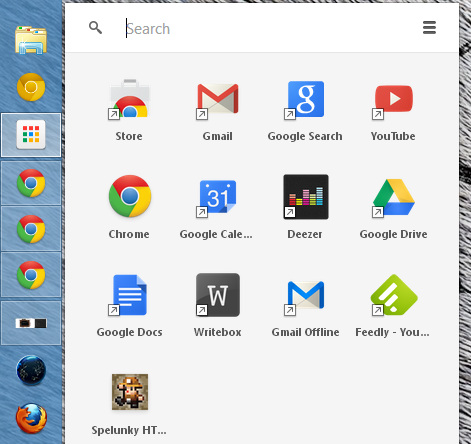
If you do decide to install one of the new packaged apps, you'll be asked whether you want the desktop app launcher as well. This feature has also been in the works for a few months. Google recently added new icons for it to the Chrome binary in anticipation of this wider release for packaged apps.
Read more

Hotmail Is Officially Dead


Microsoft has just announced that it finally completed the email transition to Outlook.com, which means that the old yet extremely popular Hotmail has been officially retired.

The tech giant says that moving 300 million active accounts to Outlook.com was a real challenge, as the company had to preserve more than 150 million gigabytes of data, including emails, calendar, contacts, folders and personal preferences.

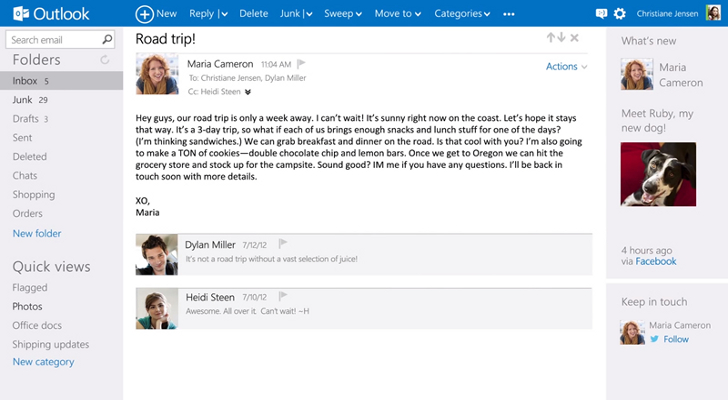
Users can still use their @Hotmail email addresses, but instead of the classic interface, they will be provided with the modern and fresh look of Outlook.com.

Microsoft has also debuted two new features for its email platform, including SMTP support and deeper SkyDrive integration to share files without leaving the inbox.

“Our belief is that as people start using the new experience, they will come to love it even more than they loved Hotmail. We are keenly listening to what our customers have to say, and we'll make the right set of adjustments to ensure that we make the experience as great as it can be,” Microsoft noted.
Read more

Wednesday, 1 May 2013

Google Glass Tutorial Shows You How the Device Works


Google Glass has so far been open only to developers, but now the company has finally released a short tutorial that shows the masses what the product can do and how it can be operated.

Google’s futuristic device has been under the spotlight ever since its debut, so many questions have been asked about what it is like to wear them or how practical they are.

The tutorial released by the Internet giant shows the “home screen” of the device, which is basically a clock.

Then, by sliding your finger over the touch-pad, which is the longer area on the side of the glasses, you can browse through your content.

For instance, you can read news, check the weather and send various files, such as photos, to your friends and family who are saved as contacts in the device.

Since there’s still a year until Google will release the device to the larger population, it is unknown what kind of improvements or modifications they will bring to the operating system.


Read more
 
DMCA.comGags